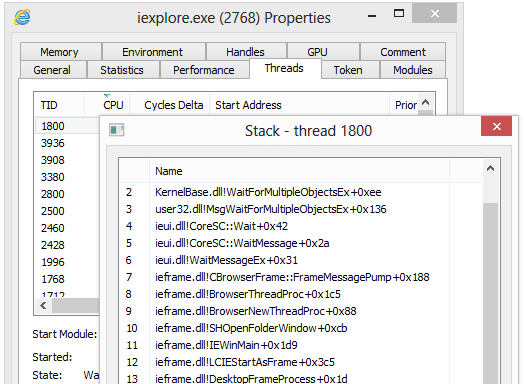
Process Monitoring
Get a clear, detailed overview of all running processes on your system with real-time resource usage information. Process Hacker provides comprehensive process information that goes far beyond what Windows Task Manager offers.
Key Capabilities:
- Real-time CPU, memory, and disk usage per process
- Process tree view showing parent-child relationships
- Highlight suspicious or resource-intensive processes
- Filter and search processes by name, PID, or resource usage
- View process properties, threads, and modules
- Process priority and affinity management
- Command line and environment variable viewing
Perfect for identifying resource hogs and understanding system behavior
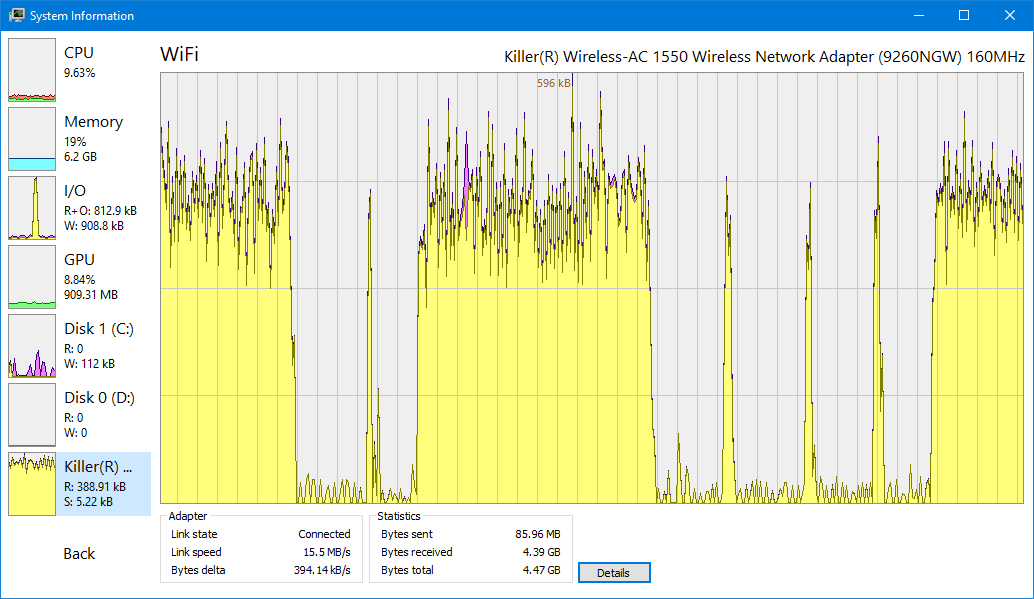
Malware Detection
Identify suspicious processes and detect malware with advanced monitoring capabilities.
- Detect hidden processes and rootkits
- Identify processes with suspicious network activity
- View process command lines and environment variables
- Check process signatures and verify authenticity
- Monitor process creation and termination
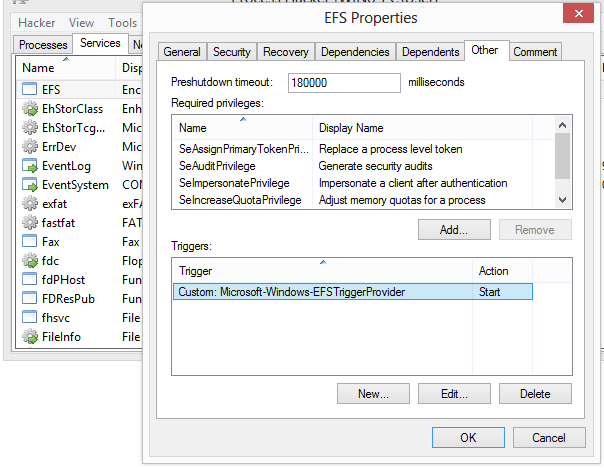
Network Monitoring
View and manage active network connections to identify which processes are using your network.
- View all active TCP and UDP connections
- See which processes are using which ports
- Identify remote IP addresses and connections
- Close network connections if needed
- Monitor network activity in real-time
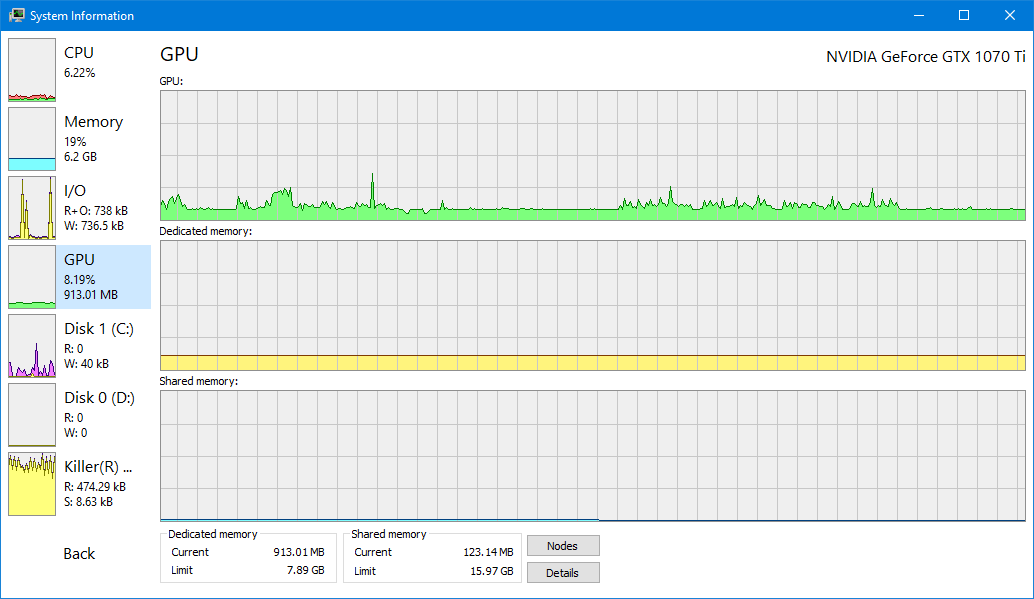
Service Management
Go beyond services.msc with full service creation, editing, and control capabilities.
- View all Windows services and their status
- Start, stop, pause, and resume services
- Create and edit service properties
- Change service startup type
- View service dependencies and dependents
System Graphs & Statistics
Real-time graphs and statistics help you quickly track down resource hogs.
- CPU usage graphs per process and system-wide
- Memory usage statistics and graphs
- Disk I/O activity monitoring
- Network activity graphs
- Historical data tracking
Advanced Debugging
View detailed stack traces with kernel-mode, WOW64 and .NET support.
- Kernel-mode stack traces
- User-mode stack traces
- WOW64 process debugging
- .NET stack trace support
- Thread and module information
File Handle Discovery
Can't edit or delete a file? Discover which processes are using that file.
- Find processes locking files
- View all open file handles per process
- Close file handles if needed
- Identify file access patterns
- Resolve file path issues
Disk Activity Monitoring
Get real-time information on disk access and I/O operations.
- Monitor disk read/write operations
- View disk I/O statistics per process
- Identify disk-intensive processes
- Track disk activity over time
- Optimize disk performance
Kernel-Mode Driver
KProcessHacker kernel driver provides enhanced functionality for advanced operations.
- Enhanced process enumeration
- Kernel-mode stack trace capture
- File handle name retrieval
- Handle attribute management
- Advanced system information
Portable & Free
Small, portable, and no installation required. 100% free and open source.
- No installation required - run from USB
- Small file size - lightweight and fast
- 100% free and open source (GPL v3)
- No registration or account needed
- Works on Windows 7 and later